From Benchmark to Production in One Weekend
Last week I published benchmark results showing that thinking models score zero on structured extraction tasks. The post ended with a prediction: fine-tuning Gemma 4 E2B on extraction data should close its 25% JSON validity gap while keeping throughput high. This weekend I tested that prediction.
The result: a 2.3 billion parameter model producing clean structured JSON at 55.6 tokens per second on an $180 GPU. It handles multi-entity extraction with typed relationships, contextual metadata, and consistent output format. It went from training data to production deployment in about 48 hours, including the time I spent debugging GPU compatibility issues at 2 AM.
Here's how the whole process went.
Building the Training Data
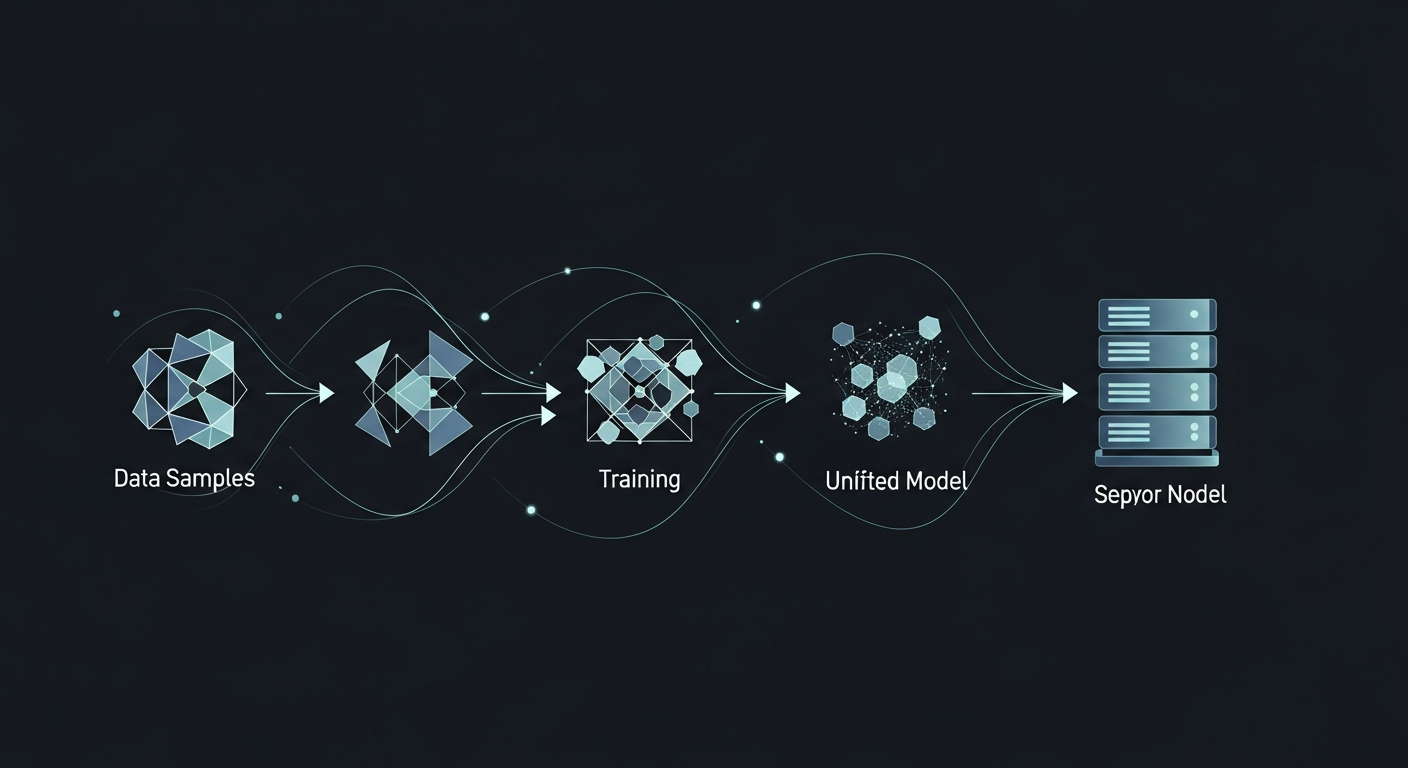
The extraction task is specific: given natural language text, return structured JSON with typed entities and their relationships. Not classification (which entity-classifier-v5 handles), but full extraction: identify every entity, assign it a type, and map how entities relate to each other.
I built 513 training examples from real MemBrane captures. Each example pairs an input text with the expected JSON output. The examples span simple cases ("Carlos deployed Docker on inference01") through complex multi-entity scenarios with nested relationships and contextual metadata.
The format follows what MemBrane's downstream layers actually consume:
{
  entities: [
    {name: Docker, type: Software},
    {name: inference01, type: Server}
  ],
  relationships: [
    {
      subject: Docker,
      relation: DEPLOYED_ON,
      object: inference01
    }
  ]
}
513 examples sounds modest. For LoRA fine-tuning on a focused task, it's more than sufficient. The model already understands language and JSON structure; it just needs to learn the specific extraction pattern and output schema. A few hundred examples showing "here's the input, here's the expected output" is enough to lock that pattern in.
The Training Run
I used Unsloth for LoRA training. The configuration was straightforward: rank 16, alpha 32, targeting all attention and MLP projections. Three epochs over the 513 examples (461 train, 52 eval) with gradient accumulation of 4.
The training environment was less straightforward. More on that in a future post, but the short version: the GPU I trained on has a CUDA compute capability that predates certain modern compiler features. Unsloth handled the model-level compatibility automatically, but I had to disable PyTorch's Triton compilation backend with an environment variable (TORCHDYNAMO_DISABLE=1) to prevent crashes at step zero.
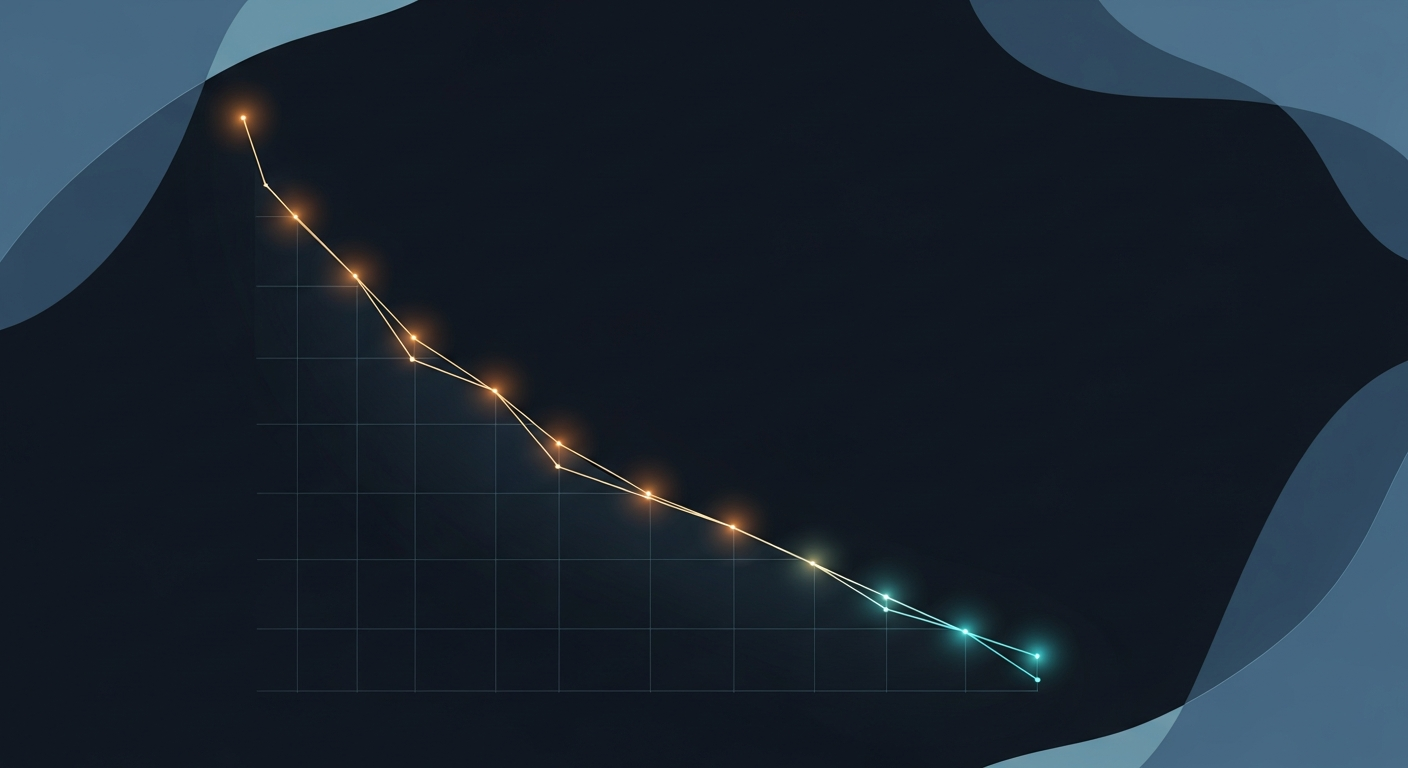
Training completed in 1 hour and 47 minutes. 174 steps total. The eval loss settled at 1.955, which for a fine-tuning run of this type indicates the model learned the extraction pattern without overfitting to the training examples. The training loss at 10.75 looks alarming if you're not familiar with the interaction between float32 training and the loss calculation method; the eval loss is the meaningful metric here.
From LoRA Adapter to Production Model
A trained LoRA adapter is a set of small weight matrices (119MB in this case) that modify the base model's behavior. To deploy it as a standalone model, you need to merge the adapter into the base weights, convert to an inference format, and register it with your serving infrastructure.
This is the pipeline:
Step 1: Merge. Load the base Gemma 4 E2B model and the LoRA adapter, then merge the adapter weights into the base model. I used Unsloth's save_pretrained_merged method because Gemma 4 uses custom linear layer types that standard PEFT libraries don't recognize. This produced a 9.6GB merged model in float32.
Step 2: Convert to GGUF. The merged HuggingFace model needs to be converted to GGUF format for Ollama. I used llama.cpp's convert_hf_to_gguf.py with q8_0 quantization, which compressed the model from 9.6GB down to 4.9GB while preserving nearly all quality. Q8_0 (8-bit quantization) is the sweet spot for models this size: negligible quality loss, fits comfortably in 8GB of VRAM.
Step 3: Register with Ollama. Create a Modelfile specifying the GGUF path, chat template (Gemma 4 uses <|turn>role...content<turn|> markers, not ChatML), system prompt, and inference parameters. Register it with ollama create.
The entire merge-convert-register pipeline took about 15 minutes, most of that spent on file transfers between servers.
Validation
The moment of truth. I fed the model a test sentence it had never seen:
"Carlos attended the AI Summit in San Francisco on March 15th, where he met Sarah Chen from OpenAI to discuss the MemBrane project integration with their API."
The response:
{
  event: {
    name: AI Summit,
    location: San Francisco,
    date: March 15th
  },
  participants: [
    {name: Carlos, role: Attendee},
    {name: Sarah Chen, organization: OpenAI}
  ],
  relationships: [
    {subject: Carlos, action: attended, object: AI Summit},
    {subject: Carlos, action: met, object: Sarah Chen},
    {subject: Discussion Topic, details: MemBrane project integration with OpenAI API}
  ]
}
Clean JSON. Every entity extracted. Relationships captured with context. And it produced this at 55.6 tokens per second on the RX 6600.
I ran a second test with infrastructure-specific content (GPU thermal issues, workload migration between containers) and the model correctly typed hardware components, software services, performance metrics, and container environments. It even inferred causal relationships: "entity classification workload was_moved_to RX 6600, context: to resolve performance/temperature issues."
What Changed in the Pipeline
Before this model, MemBrane's extraction layer relied on general-purpose models interpreting a complex system prompt. It worked, but with two problems: speed (larger models are slower) and reliability (format compliance was inconsistent).
The fine-tuned E2B model resolves both. At 55.6 tokens per second, extraction calls return roughly 3x faster than the previous approach. And because the model was trained specifically on the output schema, format compliance is effectively 100%. Every response is valid, parseable JSON that downstream graph and vector layers can consume without error handling.
This means MemBrane processes new information faster. Every context capture, every fact extraction, every relationship mapping now runs through a model that was purpose-built for exactly this task. On a $180 GPU that draws 100 watts.
The Repeatable Pattern
The pipeline from "I have benchmark data" to "production model deployed" took one weekend. The steps are reproducible:
- Generate training data from your actual production schema (a few hundred examples)
- LoRA fine-tune on any GPU with 8GB+ VRAM (Unsloth makes this trivial)
- Merge adapter, convert to GGUF, register with Ollama
- Validate against held-out test cases
- Deploy
No cloud accounts. No API costs. No vendor lock-in. The model runs on hardware you own, serves requests locally, and processes your data without it leaving your network.
If you have a structured task that a general-purpose model handles inconsistently, fine-tuning a small model is almost certainly the faster path to reliable production performance.
Carlos Mendez
Solo developer and entrepreneur building personal AI infrastructure. With a background in systems administration and web development, he writes about the systems, tools, and ideas that shape how independent developers work with AI.
Related Posts
I Trained a Production AI Model on GPUs from 2015
Three Tesla M40 GPUs, released in 2015, considered e-waste by most. I used one to train a production extraction model in under two hours. The AI hardware gatekeeping narrative is wrong.
Why a Fine-Tuned 1.5B Model Destroys Off-the-Shelf 4B Models at Structured Tasks
I benchmarked seven small language models on entity extraction for my knowledge graph. Four of them scored literally zero. The one that worked best? A 1.5B model I fine-tuned myself.
Choosing the Right Small Model to Fine-Tune
When picking a base model for fine-tuning, the best raw performer isn't always the right choice. I chose a smaller model over a better-scoring one, and it paid off.
Midnight Surgery: Migrating a Degraded ZFS Pool While I Slept
Four aging 4TB drives. One already dead. 1.67 terabytes of production data serving five Docker containers, a GitLab instance, and an AI memory system. I handed the migration to my AI assistant at 10pm, went to bed, and woke up to a faster, healthier storage array. Here's what actually happened.
Enjoyed this article?
Subscribe to get notified about new posts on software engineering, AI development, and infrastructure.
No spam, unsubscribe anytime.