Midnight Surgery: Migrating a Degraded ZFS Pool While I Slept
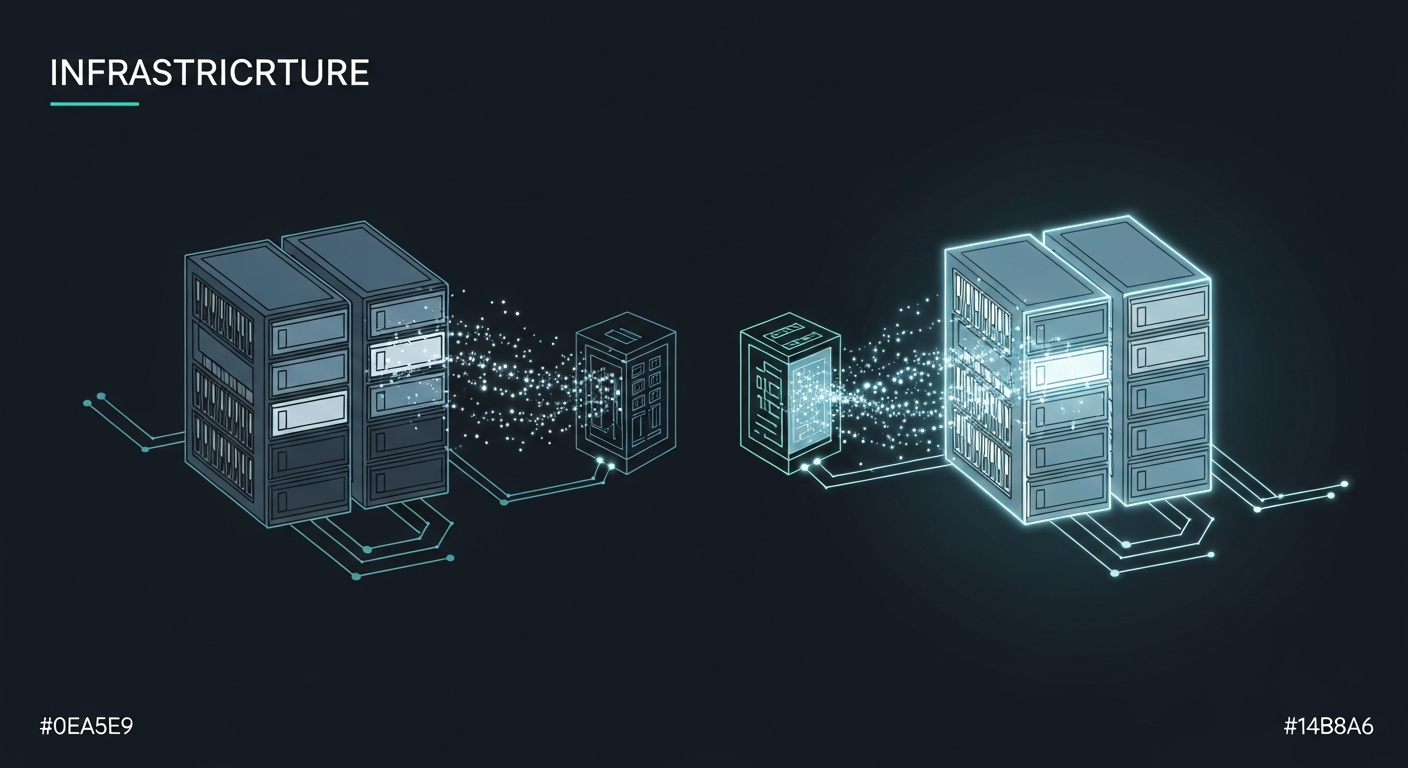
The notification had been sitting in my Proxmox dashboard for months: PoolShark DEGRADED. One of four Seagate ST4000VN0001 drives had failed, physically still seated in the chassis but logically removed from the RAIDZ2 array. The remaining three drives had over 41,500 hours of runtime. That's nearly five years of continuous operation. They owed me nothing.
RAIDZ2 can survive two drive failures. With one drive already gone, I was one bad sector away from a very bad day. The pool held 1.67TB of data that touched nearly every service in my infrastructure: an Obsidian vault with years of notes, a self-hosted GitLab instance, AI vector storage for MemBrane (my memory system), mail server data, and the training materials for a sales team I was coaching. Not the kind of data you reconstruct from scratch.
I ordered four Seagate ST8000NM023B enterprise drives. 8TB each. The plan was straightforward: build a new RAIDZ2 array, migrate everything over, verify, then retire the old iron. The execution window was the interesting part.
The Hardware Gamble
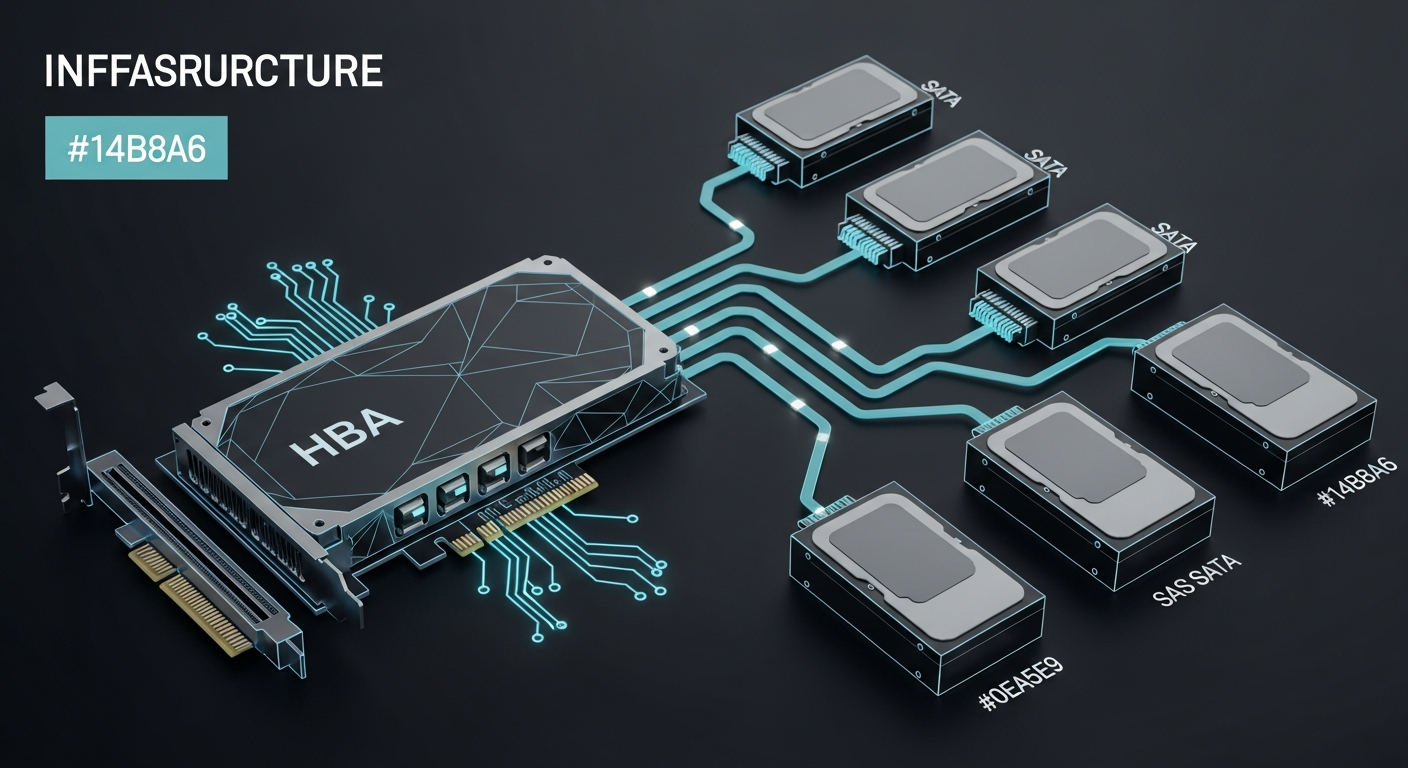
The old 4TB drives connected to the motherboard's onboard SATA ports. The new 8TB drives would connect through an LSI 9211-8i HBA that was already in the Proxmox server but had been sitting unused. The HBA had been flashed to IT mode years ago for a project I never finished.
Here's the thing about HBAs and new drives: you don't know if they'll be detected until you plug them in. The LSI 9211-8i is a battle-tested card with broad compatibility, but "should work" and "works" are different statements. I seated all four drives, connected the SAS-to-SATA breakout cables, and powered on the machine.
All four drives appeared as /dev/sda through /dev/sdd. Six hours of power-on time. SMART status: PASSED across the board. Zero reallocated sectors, zero pending sectors, zero uncorrectable errors. Brand new drives behaving like brand new drives. Sometimes the universe cooperates.
The Briefing Document
I run a personal AI infrastructure called Flywheel, built around Claude Code. For a migration this critical, I didn't want to improvise at the terminal. I wrote a detailed technical briefing document: network topology, drive serial numbers, existing dataset structure, target architecture, Samba configuration templates, NFS export definitions, the full migration procedure with verification steps, and a rollback plan.
The briefing was twelve pages. Every zpool command, every zfs create, every ownership change. Not because Claude couldn't figure out the commands (it absolutely could), but because a migration plan should exist as a document that can be reviewed, questioned, and referenced later. If something went wrong at 2am, I wanted the plan to be unambiguous.
The most important line in the briefing: DO NOT destroy the old pool until scrub on the new pool completes with zero errors.
10:30 PM: Handing Over the Keys
I started the session at 10pm, pointed Claude at the briefing document, and outlined the constraints: don't touch the SSD pools, use a temporary name during migration, run long transfers in tmux, verify everything. Then I went to bed.
What followed was four hours of methodical execution. Here's the compressed timeline:
10:30 PM — SMART verification passed on all four new drives. Pool PoolShark_new created as RAIDZ2 with ashift=12 for proper 4K sector alignment. Nine datasets created following the new hierarchy I'd designed: a cleaner separation of concerns with infrastructure/vm_backups, infrastructure/config_backups, and a new offsite/ tree for cross-site backups with 4TB quotas.
10:31 PM — Recursive snapshots taken on the old pool. Data transfer started via zfs send | zfs receive inside a tmux session. The small datasets (obsidian_backups at 3.59MB, vms at 151KB) completed instantly.
10:32 PM to 10:56 PM — vm_backups transferred: 355GB at roughly 300MB/s. This is internal transfer (old SATA drives to new HBA drives through the same CPU), so the bottleneck was the old drives' read speed.
10:57 PM to 12:35 AM — s-drive transferred: 1.32TB, the big one. Steady throughput around 280MB/s. During this window, Claude discovered that mail-data and config_backups existed as regular directories at the pool root rather than as ZFS datasets. They weren't captured by zfs send. It copied them manually and flagged the finding.
12:35 AM — All transfers complete. File count verification: 1,088,419 files on the old pool, 1,088,419 on the new. Exact match.
The Cutover
The cutover was the only moment requiring service downtime. The procedure:
- Stop Samba
- Export the old pool (releases the name "PoolShark")
- Export the new pool
- Import the new pool with the original name:
zpool import PoolShark_new PoolShark - Update Samba share paths
- Restart Samba
Total downtime: seconds. The pool rename trick is one of ZFS's underappreciated features. You can export a pool, then import it under a different name. By exporting the old pool first, the name "PoolShark" became available, and the new pool could claim it. Every mount point, every path, every configuration reference stayed the same.
The Samba configuration got a security upgrade during the swap. The old config used guest ok = Yes on every share. The new config uses force user = carlos and force group = storage with explicit valid users lists. Same access, cleaner permissions model.
The NFS Switch
The briefing called for adding NFS exports alongside Samba. Until this migration, inference01 (my primary Docker host) mounted the storage array via CIFS/SMB. It worked, but CIFS carries significant protocol overhead for the kind of small-file, metadata-heavy operations that Docker containers generate.
NFS4 was added as an export on proxmox01, and inference01's /etc/fstab was updated to mount via NFS instead of CIFS. The old CIFS line got commented out with a #MIGRATED_TO_NFS# prefix rather than deleted, because you don't delete rollback options during a migration.
The performance difference was immediately noticeable. Browsing the mounted filesystem from my Mac felt faster, and that's not placebo. NFS has dramatically lower per-operation overhead than SMB, especially for directory listings and metadata queries. Every ls, every stat, every Finder preview thumbnail loads with fewer network round trips.
The Scrub
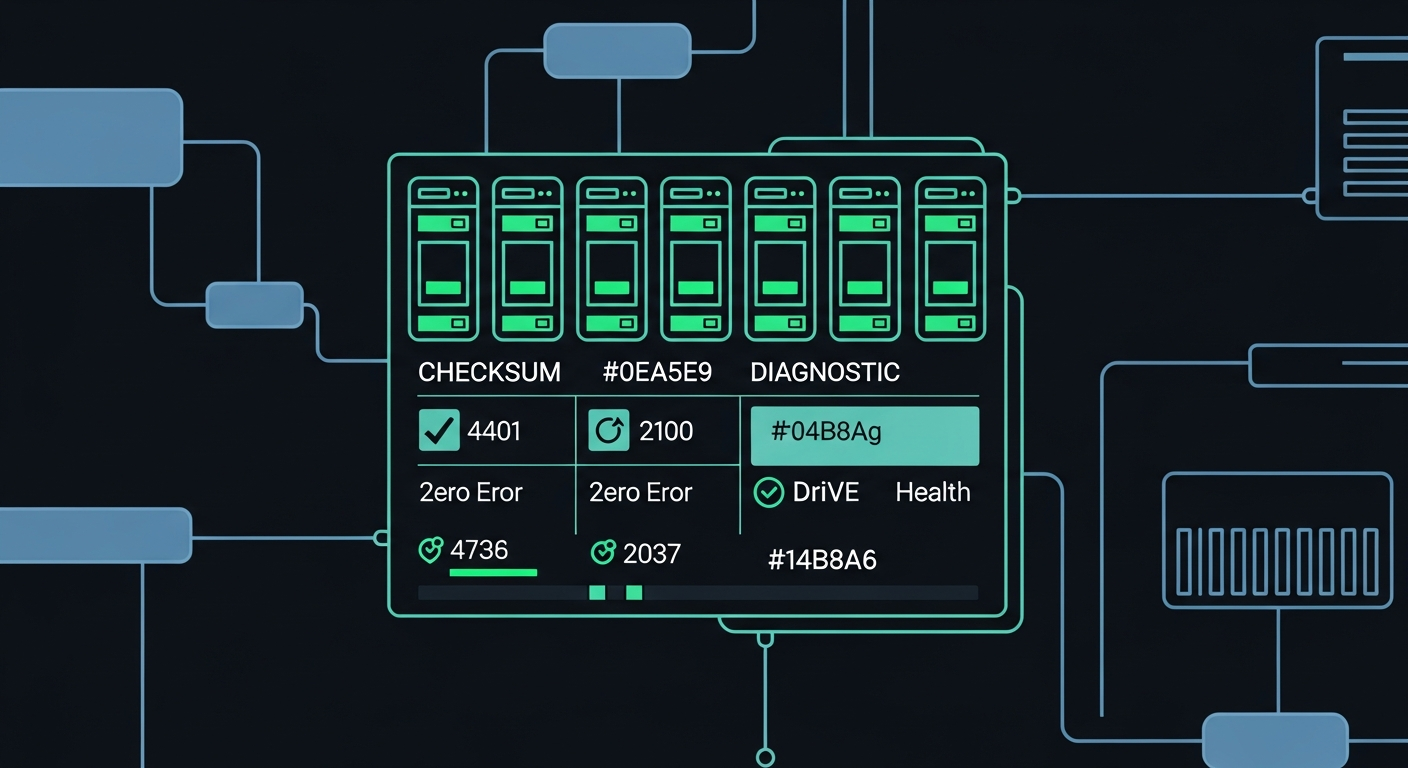
After cutover, a full scrub ran on the new pool: every block read, checksummed, and verified against ZFS's metadata. On 3.45TB of data, this took 73 minutes.
Result: 0 bytes repaired, 0 errors.
That number matters. ZFS checksums every block. A clean scrub means every single byte that was written during the migration matches what ZFS expected to write. No silent corruption. No bit rot. No firmware bugs in the new drives introducing errors. The data is provably identical.
What Made This Work
The briefing document. Twelve pages of explicit instructions meant the AI had no ambiguity to resolve. Every dataset name, every mount point, every ownership value was specified. When Claude discovered the mail-data directory living outside the dataset structure, it could handle it because the briefing established the principle (preserve all data) even though it didn't enumerate that specific directory.
ZFS send/receive. This is the right tool for pool-to-pool migration. It transfers data at the block level, preserving snapshots, properties, and metadata. rsync would have worked for the file content, but you'd lose snapshot history and ZFS-specific attributes. The send stream also compresses well because ZFS can skip unused blocks.
The temporary name pattern. Creating the new pool as PoolShark_new instead of trying to reuse the name immediately eliminated an entire category of risk. No namespace collisions, no accidental writes to the wrong pool, no confusion about which "PoolShark" a command targeted.
Verification before destruction. The old pool sat exported but intact until the scrub completed. If anything had gone wrong, rollback was four commands: stop Samba, export the new pool, import the old pool, restart Samba.
The UID Mystery
During the migration, NFS exposed a long-standing inconsistency. My user account carlos had UID 501 on proxmox01 but UID 1001 on inference01 and inference02. Under CIFS, this was invisible because the mount used uid=1001 as a parameter, mapping all files to the correct local user. NFS passes UIDs natively. Files owned by UID 501 appeared as owned by nobody on inference01.
The root cause turned out to be a service account called proxmox that had been squatting on UID 1001 since the machine was first provisioned. When I standardized UIDs across the infrastructure months earlier, proxmox01 got skipped because the target UID was already occupied. CIFS masked the problem. NFS surfaced it.
The fix: move proxmox to UID 1501 (it had no running processes and owned exactly four files), then assign UID 1001 to carlos. A change I should have made months ago, only visible now because the storage protocol changed.
The Numbers
| Metric | Before | After |
|---|---|---|
| Pool capacity | 14.5 TB (RAIDZ2 on 4x 4TB) | 29.1 TB (RAIDZ2 on 4x 8TB) |
| Available space | 5.25 TB | 12.3 TB |
| Pool health | DEGRADED (1 drive removed) | ONLINE |
| Drive runtime | ~41,500 hours | 6 hours |
| Protocol to inference01 | CIFS/SMB3 | NFS4 |
| File permission model | guest ok | force user/group |
| Sector alignment | Unknown (legacy ashift) | ashift=12 (4K aligned) |
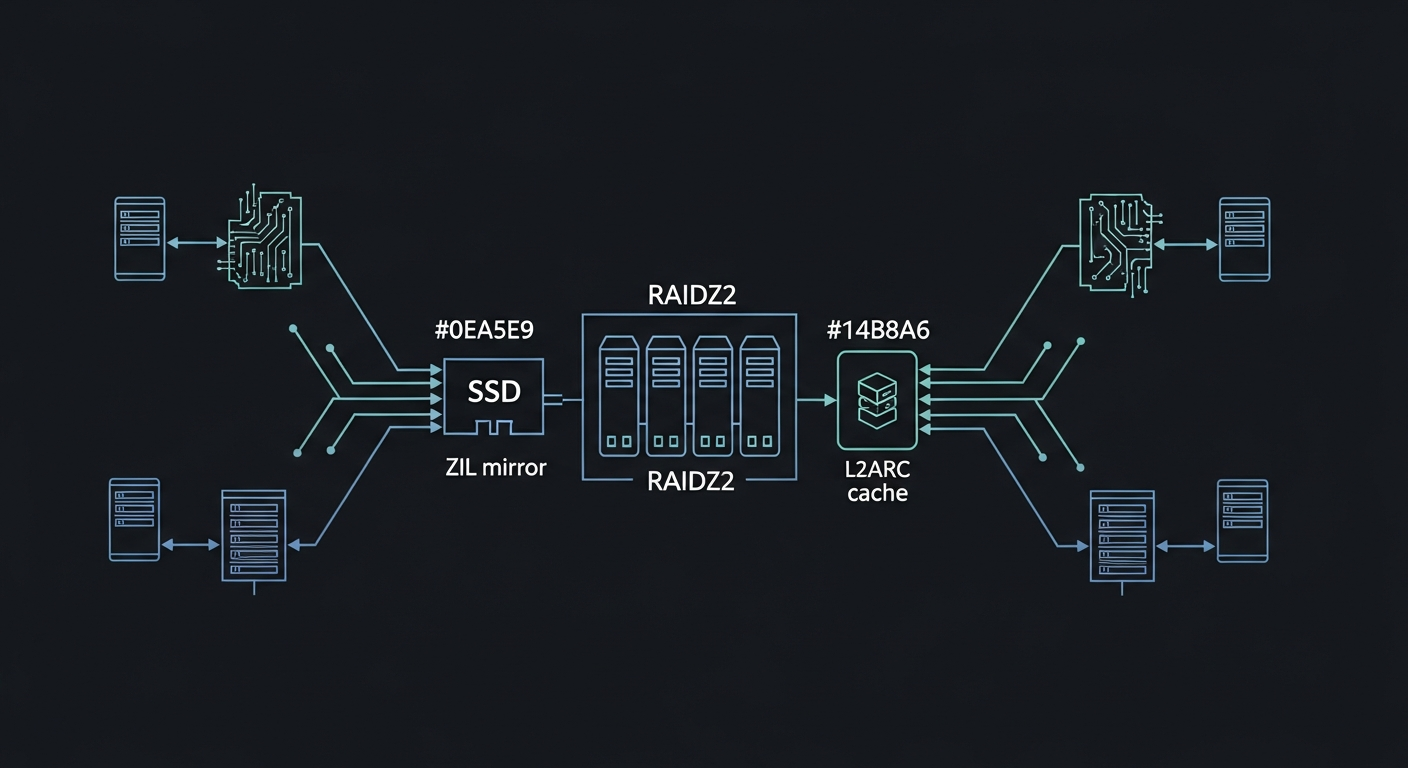
| ZIL | Mirror (sde7/sdf7) | Mirror (sde7/sdf7) |
| L2ARC | Dual (sde4/sdf4) | Dual (sde4/sdf4) |
| Migration downtime | N/A | ~10 seconds |
| Data verification | N/A | 1,088,419 files matched, 0 scrub errors |
Why This Matters Beyond My Lab
The interesting part isn't the ZFS commands. Those are well-documented. The interesting part is the delegation model.
I wrote a plan. I reviewed it. I handed it to an AI agent with the tools and access to execute it. I went to sleep. I woke up to a completed migration with a full audit trail.
This isn't replacing the engineer. I still designed the dataset architecture, decided on RAIDZ2 over mirrors, chose NFS over CIFS, specified the ownership model. Those decisions require understanding the system and its constraints. What the AI handled was the four hours of methodical execution: running commands, monitoring progress, handling edge cases (the mail-data directory, the UID collision, the ZIL partitions still assigned to the exported old pool), and verifying results.
The 4TB drives with 41,500 hours of service are sitting in the chassis, exported but intact. They'll get repurposed eventually. But for now, PoolShark is healthy for the first time in months, with twice the capacity, a cleaner dataset hierarchy, proper NFS exports, and a full scrub confirming every byte is where it should be.
Sometimes the best infrastructure work happens while you're unconscious.
Carlos Mendez
Solo developer and entrepreneur building personal AI infrastructure. With a background in systems administration and web development, he writes about the systems, tools, and ideas that shape how independent developers work with AI.
Related Posts
I Trained a Production AI Model on GPUs from 2015
Three Tesla M40 GPUs, released in 2015, considered e-waste by most. I used one to train a production extraction model in under two hours. The AI hardware gatekeeping narrative is wrong.
Why a Fine-Tuned 1.5B Model Destroys Off-the-Shelf 4B Models at Structured Tasks
I benchmarked seven small language models on entity extraction for my knowledge graph. Four of them scored literally zero. The one that worked best? A 1.5B model I fine-tuned myself.
Choosing the Right Small Model to Fine-Tune
When picking a base model for fine-tuning, the best raw performer isn't always the right choice. I chose a smaller model over a better-scoring one, and it paid off.
From Benchmark to Production in One Weekend
I went from benchmark results to a deployed extraction model in 48 hours. LoRA training, GGUF conversion, and Ollama registration on consumer hardware, no cloud required.
Enjoyed this article?
Subscribe to get notified about new posts on software engineering, AI development, and infrastructure.
No spam, unsubscribe anytime.