I Trained a Production AI Model on GPUs from 2015
The GPU that trained my latest production AI model was manufactured in 2015. It's based on NVIDIA's Maxwell architecture. It doesn't support bfloat16. Its CUDA compute capability is 5.2, which is below the minimum requirement for multiple modern AI frameworks. You can buy one on eBay for somewhere between 50 and 100 dollars. By most definitions in the AI industry, it's electronic waste.
I used it to train a LoRA adapter that now powers entity extraction in my knowledge graph. The training took 1 hour and 47 minutes. The resulting model runs in production, processing every piece of content that enters my system. It works.
The narrative that AI development requires cutting-edge hardware is pervasive, and for large-scale pre-training, it's true. But for fine-tuning, for the kind of model customization that actually matters to individual developers and small teams, the hardware bar is dramatically lower than the industry suggests. Most of the GPUs sitting in recycling bins right now are more than capable.
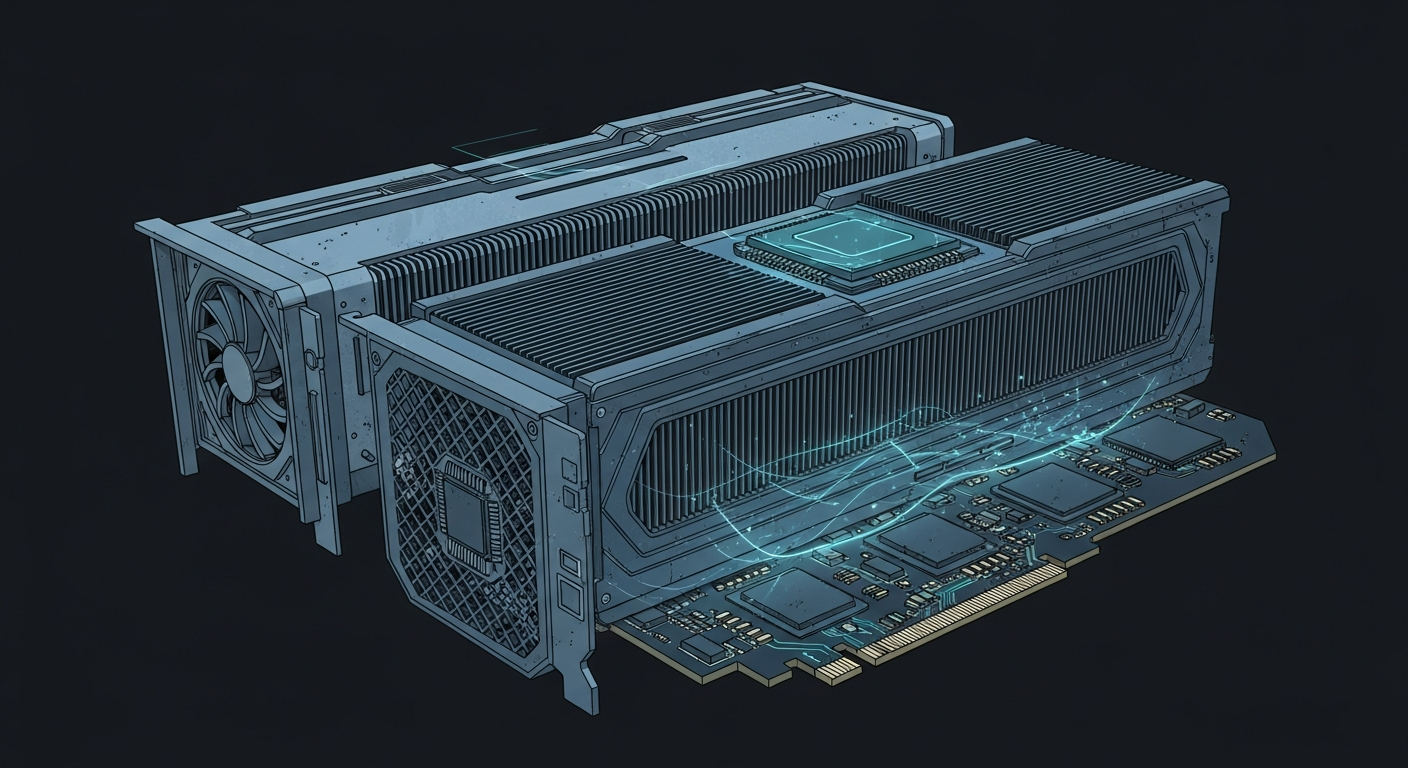
The Tesla M40: A Profile
The Tesla M40 launched in November 2015 as NVIDIA's flagship data center GPU. It was designed for deep learning training at a time when AlexNet was only three years old and transformers hadn't been invented yet. Its specs tell the story of a different era:
- 24GB GDDR5 VRAM (not HBM, not GDDR6)
- Maxwell architecture (CUDA compute 5.2)
- No FP16 support (only FP32)
- No tensor cores (those came with Volta in 2017)
- 250 watts TDP
- No display output (compute only)
When these GPUs were decommissioned from data centers around 2020 and 2021, they flooded the secondary market. I picked up three of them for my home inference server. They've been running 24/7 for over a year, serving Ollama models and handling batch processing jobs. Reliable, quiet (with aftermarket cooling), and absurdly cost-effective for the VRAM they provide.
But training on them? That's where people assume the story ends. The Maxwell architecture is two generations behind what most AI frameworks target as their minimum. The software ecosystem has moved on.
The Compatibility Problem (and Its Solution)
The first time I tried to train on the M40, the job crashed at step zero. The error: torch._inductor.exc.GPUTooOldForTriton. PyTorch's default compilation backend, Triton, requires CUDA compute 7.0 or higher. The M40's compute 5.2 is rejected outright.
This is the kind of error that makes people give up and buy a newer GPU. But the error isn't saying "your GPU can't do math." It's saying "our compiler doesn't support your GPU." Those are very different statements.
The fix is one environment variable:
TORCHDYNAMO_DISABLE=1 python3 train.py
This disables PyTorch's dynamic compilation (TorchDynamo/Triton) and falls back to eager execution mode. The model still trains. The math still works. You lose some potential speedups from graph optimization, but for a LoRA fine-tuning run that takes two hours, the difference is negligible.
The second compatibility issue: Gemma 4, the model I was fine-tuning, doesn't support FP16 on Maxwell GPUs. Unsloth (the training framework) detected this automatically and switched to float32 training. This doubles the memory requirement per parameter compared to FP16, but the M40's 24GB of VRAM absorbs it without issue. You'd run into trouble with a 7B model, but for a 2.3B model, 24GB of float32 headroom is generous.

The Training Run
With compatibility sorted, the actual training was uneventful. LoRA configuration: rank 16, alpha 32, targeting all attention and MLP projection layers. Training data: 513 examples of entity extraction (461 train, 52 eval). Three epochs, gradient accumulation of 4.
Some numbers:
- Step time: approximately 37 seconds per step
- Total steps: 174
- Total time: 1 hour 47 minutes
- Eval loss: 1.955
- Trainable parameters: 31 million out of 4.2 billion (0.74%)
The trainable parameter ratio is the key number. LoRA doesn't modify the base model's 4.2 billion parameters. It adds 31 million trainable parameters in small adapter matrices alongside the frozen weights. This is why consumer (and decade-old) GPUs can handle fine-tuning: you're not training a 4.2 billion parameter model. You're training a 31 million parameter adapter while the base model sits in memory as a read-only reference.
37 seconds per step is slow compared to what an A100 or even an RTX 4090 would achieve. An A100 would likely complete the same run in 15 to 20 minutes. But the A100 costs $15,000 new (or $2 per hour in the cloud). The M40 cost me about $75. The question isn't "which is faster" but "does it finish in a reasonable time for the cost?" Two hours for $75 of hardware that I'll reuse for hundreds of future training runs is a compelling answer.
What 24GB of VRAM Gets You
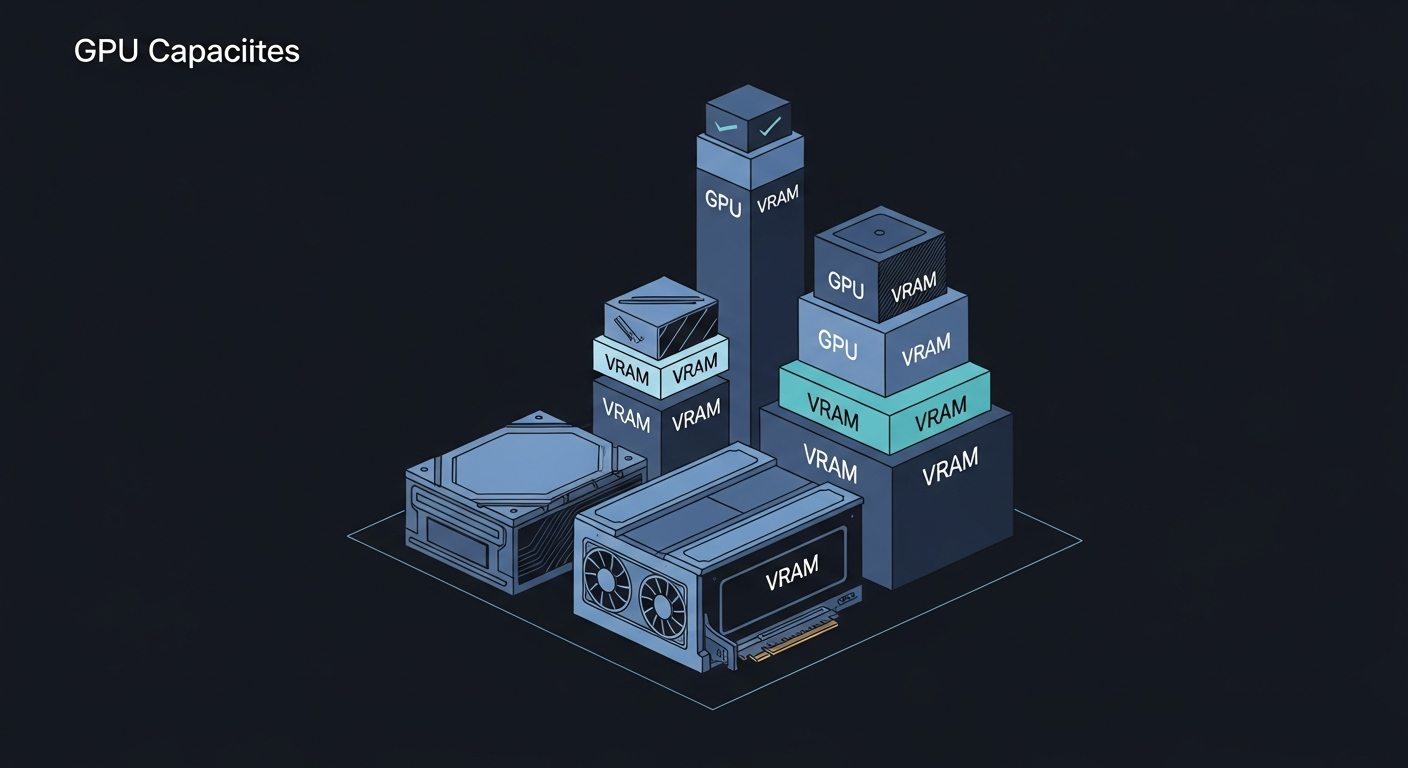
The M40's one genuine advantage over modern consumer GPUs is its VRAM. 24GB was extravagant in 2015. In 2026, it's exactly the sweet spot for LoRA fine-tuning of models in the 2B to 4B range.
For context:
- An RTX 3060 (12GB) can fine-tune models up to about 3B with QLoRA (4-bit quantization)
- An RTX 4070 (12GB) is in the same ballpark with faster throughput
- An RTX 4090 (24GB) handles up to 7B comfortably
- A Tesla M40 (24GB) handles up to 4B in float32 or 7B with QLoRA
The M40 matches a $1,600 RTX 4090 on VRAM capacity. It's dramatically slower on compute, obviously. But for training runs measured in hours, not days, the speed difference translates to "I start it before dinner and it's done by the time I go to bed" versus "it's done by the time I finish dinner." Both are acceptable timelines for a solo developer.
The Broader Point
The AI industry has a hardware gatekeeping problem. Conference talks and blog posts routinely list an RTX 4090 or A100 as the minimum viable hardware for AI development. Cloud GPU providers price their offerings as if compute-intensive workloads are the only option. The implicit message is clear: if you don't have current-generation hardware, you can't participate.
This is wrong for the workload that matters most to individuals and small teams. Pre-training a foundation model requires massive compute, yes. Nobody is pre-training LLaMA on Tesla M40s. But pre-training is what companies do. What individuals do is fine-tuning: taking an existing model and adapting it to their specific task. And fine-tuning has dramatically lower hardware requirements than the industry narrative suggests.
LoRA fine-tuning, specifically, is designed to be parameter-efficient. It was literally created to make fine-tuning possible on hardware that can't handle full model training. The technique works. It works on consumer GPUs. It works on decade-old enterprise GPUs. It works on hardware that people are throwing away because they've been told it's obsolete.
My AI Compute Stack
I run three Tesla M40s in a single server alongside a Radeon RX 7900 XT and an RX 6600. The M40s handle training and batch processing. The RX 6600 runs inference models in production. The total hardware cost for the GPU compute in this system is roughly:
- 3x Tesla M40: approximately $225
- 1x RX 6600: approximately $180
- 1x RX 7900 XT: approximately $700 (though currently dealing with cooling issues)
That's about $1,100 in GPUs running an AI infrastructure that includes two fine-tuned production models, a knowledge graph with semantic search, and enough compute to train new models overnight.
The same capability in cloud terms would be a multi-GPU instance at $3 to $8 per hour. Over the 18 months these GPUs have been running, the cloud cost would have been measured in thousands of dollars. The hardware has paid for itself many times over.
What You Can Do Today
If you have an old GPU with 16GB or more of VRAM collecting dust (or available for $50 to $100 on the secondary market), you can:
- Fine-tune models up to 3B parameters with QLoRA
- Fine-tune models up to 2B with standard LoRA in float32
- Run inference on models up to 13B with quantization
- Serve multiple small models concurrently for production workloads
The software tooling has caught up. Unsloth handles architecture-specific quirks automatically. Ollama makes model serving trivial. llama.cpp's GGUF format runs on any GPU with enough VRAM, regardless of age or vendor.
The bottleneck for AI development in 2026 isn't hardware. It's the assumption that you need expensive hardware to start. You don't. The GPU in a decommissioned data center server that someone listed for the price of a nice dinner is more than enough to train models that run in production.
Stop waiting for the hardware budget. Start with what you have.
Carlos Mendez
Solo developer and entrepreneur building personal AI infrastructure. With a background in systems administration and web development, he writes about the systems, tools, and ideas that shape how independent developers work with AI.
Related Posts
Why a Fine-Tuned 1.5B Model Destroys Off-the-Shelf 4B Models at Structured Tasks
I benchmarked seven small language models on entity extraction for my knowledge graph. Four of them scored literally zero. The one that worked best? A 1.5B model I fine-tuned myself.
Choosing the Right Small Model to Fine-Tune
When picking a base model for fine-tuning, the best raw performer isn't always the right choice. I chose a smaller model over a better-scoring one, and it paid off.
From Benchmark to Production in One Weekend
I went from benchmark results to a deployed extraction model in 48 hours. LoRA training, GGUF conversion, and Ollama registration on consumer hardware, no cloud required.
Midnight Surgery: Migrating a Degraded ZFS Pool While I Slept
Four aging 4TB drives. One already dead. 1.67 terabytes of production data serving five Docker containers, a GitLab instance, and an AI memory system. I handed the migration to my AI assistant at 10pm, went to bed, and woke up to a faster, healthier storage array. Here's what actually happened.
Enjoyed this article?
Subscribe to get notified about new posts on software engineering, AI development, and infrastructure.
No spam, unsubscribe anytime.